


Product Description
Mazda Models Supported
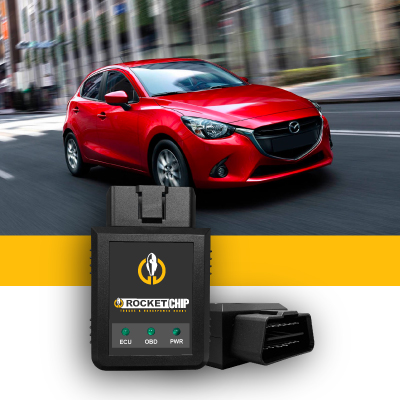
Rocket Chip offers performance chip options for a wide range of Mazda cars, SUVs, trucks, roadsters, and performance models.
Supported applications currently include:
- Mazda 2
- Mazda 3
- Mazda 5
- Mazda 6
- Mazda 323
- Mazda 626
- Mazda 929
- Mazda CX-3
- Mazda CX-30
- Mazda CX-5
- Mazda CX-50
- Mazda CX-70
- Mazda CX-9
- Mazda CX-90
- Mazda Miata
- Mazda MX-5
- Mazda MX-6
- Mazda MPV
- Mazda Protege
- Mazda RX-7
- Mazda RX-8
- Mazda Tribute
- MazdaSpeed 3
- MazdaSpeed 6
Additional Mazda models and configurations are available through the vehicle selector above. Compatibility depends on the model year and engine configuration. The selector also includes turbocharged, hybrid, six-cylinder, eight-cylinder, and rotary applications.
How Do Mazda Performance Chips Work?
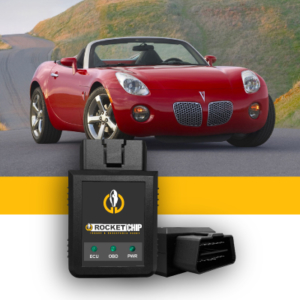
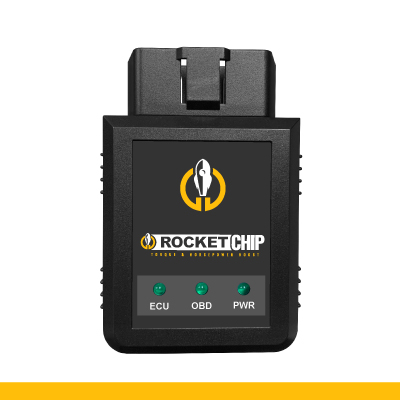
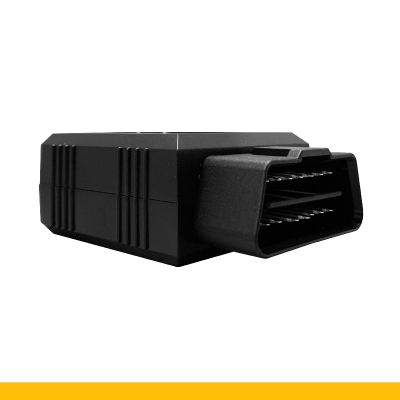
Rocket Chip performance chips connect through the vehicle’s OBD-II diagnostic port and communicate with the engine-management system. Rocket Chip performance chips use vehicle-specific programming designed to adjust fuel and timing-related parameters to improve throttle response and overall engine performance. The device remains connected while in use and can be removed with the engine off when needed for servicing or diagnostics.
Choose the Right Performance Chip for Your Mazda
The correct Mazda performance chip depends on:
- Model year
- Mazda model
- Engine configuration
- Selected performance grade
Use the vehicle selectors above to confirm compatibility before ordering.
Rocket Chip currently offers:
Boost: Up to +40 horsepower and up to +2–4 MPG
Boost+: Up to +60 horsepower and up to +4–6 MPG
The Mazda selector includes four-cylinder, hybrid, turbocharged, six-cylinder, eight-cylinder, and rotary applications. Actual results may vary by vehicle, engine, maintenance condition, modifications, and driving habits.
Mazda Performance Chip Installation
Rocket Chip performance chips are designed for plug-in installation through the vehicle’s OBD-II diagnostic port. Typical installation involves:
- Start the vehicle.
- Locate the OBD-II port, usually beneath the driver-side dashboard.
- Plug in the Rocket Chip.
- Drive normally and allow the system time to operate with the vehicle.
No wire cutting or specialized mechanical tools are required. For detailed instructions, see the Performance Chip Installation page.